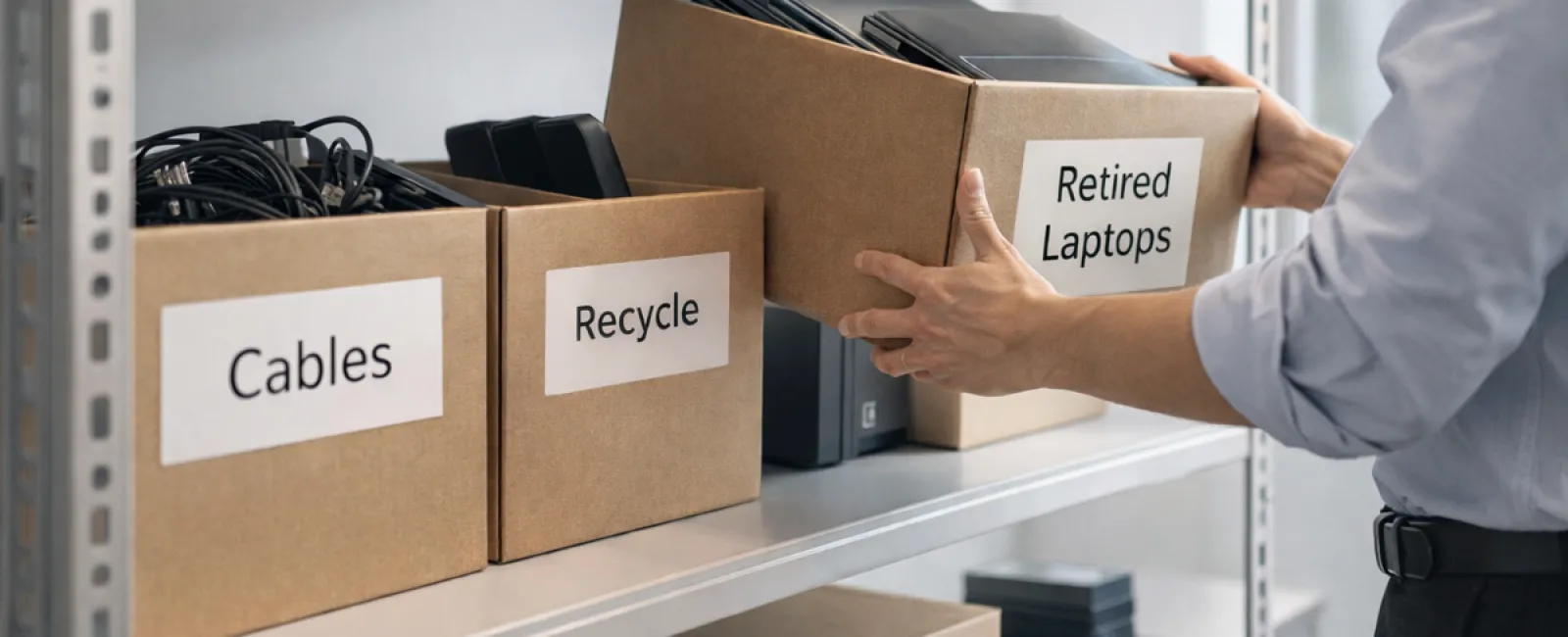
Spring cleaning often begins in the closet, but for many companies, the biggest clutter isn't just on a shelf.
It might be in a server rack, a storage room, a back office, or hidden in a box marked "we'll handle this later."
Outdated laptops, retired printers, backup drives from old upgrades, and heaps of cables kept "just in case."
Every organization accumulates these items over time.
The real question is not if you have this clutter, but whether you have a plan to manage it effectively.
Technology Follows a Lifecycle Beyond Its Purchase Date
New equipment is bought for good reasons: improved speed, better security, enhanced features, or to support growth.
While most companies strategize their tech purchases, far fewer have a plan for retiring them.
Retiring devices often happens quietly — replaced equipment gets set aside, then eventually cleared to make space.
Though common, it's rare to see retirement handled with the same care as acquisition.
Old technology holds residual value, recyclable parts, and might contain sensitive data. If ignored, it can weigh down operations and consume valuable space.
Spring is an ideal time to assess: What equipment still adds value, and what is merely occupying room?
A Clear Process for Tech Cleanup
To move beyond wishful thinking, apply our straightforward four-step method.
Step 1: Take Inventory
Identify what's actually being retired — laptops, phones, printers, networking gear, or external drives. You can't manage what you haven't tracked, and an inspection often uncovers more than expected.
Step 2: Choose the Right Path
Devices usually fall into reuse (internal or donation), recycle (via certified e-waste programs), or destruction (for sensitive data). Deciding intentionally prevents hardware from lingering in forgotten storage.
Step 3: Prepare Each Device Properly
Attention to detail is key here.
If reusing or donating, remove the device from management systems, revoke access, and ensure complete data wiping—not just a factory reset. Simply deleting files or formatting doesn't erase data; it only removes pointers to it.
Blancco's study found 42% of drives resold on eBay still contained confidential data despite sellers claiming they were wiped. Certified erasure tools overwrite all sectors and provide verification reports.
For recycling, use certified e-waste providers instead of dumpsters or curbside pickups. Note: Best Buy's recycling program is for households, not businesses.
Commercial equipment requires certified IT asset disposition (ITAD) services or business-focused e-waste recyclers. Look for e-Stewards or R2 certifications (directories at e-stewards.org and sustainableelectronics.org). Your IT vendor can often assist with coordination.
Devices needing destruction should undergo certified wiping or physical drive destruction (e.g., shredding or degaussing), with records maintained — including device serial number, method, date, and handler.
This approach isn't excessive caution; it's about responsibly closing the loop.
Step 4: Document and Proceed
After equipment leaves your premises, ensure you know its destination, handling, and that access has been revoked. Document everything to avoid unresolved questions.
Often-Overlooked Devices
Laptops get attention, but other gear is often neglected.
Phones and tablets may still store emails, contacts, or authentication apps. While a factory reset helps, certified mobile wipe tools offer deeper security. Major brands like Apple and Samsung have trade-in options—even for older models—allowing credits toward new purchases.
Modern printers and copiers often contain internal hard drives retaining copies of every document printed, scanned, copied, or faxed. When returning leased units, obtain written confirmation that hard drives will be wiped or removed before reuse.
Batteries are classified as hazardous waste by the EPA, and in states like California, New York, and Minnesota, businesses cannot dispose of rechargeable batteries in regular trash. Remove batteries when possible, tape terminals to prevent shorts, and drop them off at certified locations. Call2Recycle.org provides a map, and Staples, Home Depot, and Lowe's accept rechargeable batteries at many stores.
External drives and retired servers often linger in closets much longer than they should but require the same thorough retirement processes as other devices.
Recycling Matters
With Earth Day in April, the topic of electronics recycling is timely and important.
Electronic waste totals over 62 million metric tons globally each year, yet only 22% is properly recycled. Components such as batteries, monitors, and circuit boards should enter certified recycling streams available in most communities.
Handled properly, technology retirement is clean, eco-friendly, and strategically smart. You don't have to choose between responsibility and security—you can achieve both.
Additionally, quietly managing tech retirement well reflects positively on your company's social media presence and resonates with customers.
Discover Greater Potential
Spring cleaning is about more than disposal—it's about creating opportunity.
Clearing out obsolete tech is just one step. While assessing hardware, take a broader view: Does your technology truly support how you want your business to operate?
Hardware changes regularly, but software, systems, automation, and workflows drive real productivity and profitability today.
Properly retiring obsolete equipment keeps things organized, while aligning your entire tech ecosystem with business goals propels growth.
How We Can Support You
If you already have a solid retirement system, excellent—it should feel straightforward and routine.
But as you revisit retiring hardware correctly, it's also a good moment to evaluate your broader tech landscape. Are your tools integrated? Are your processes efficient? Does your technology fuel growth or just maintain status quo?
We're ready to chat if you want to explore how your tech stack and workflows support your productivity and profits.
No equipment checklists, no sales pressure—just practical advice on making technology work better for you.
Click here or give us a call at 615-989-0000 to schedule your free 15-Minute Discovery Call.
If you know a business owner who could benefit from this, please share it.
Don't stop your spring cleaning at the closet—include the technology systems powering your business.