April Fools Day passes, leaving behind its pranks, but scammers don't take a break.
Spring is a peak season for cybercriminals, not because people lack caution, but because busy schedules and distractions make everyone more vulnerable.
During this hectic time, cleverly disguised scams slip past even the most vigilant employees, blending seamlessly into daily workflows until consequences emerge.
Here are three current scams targeting smart, well-intentioned workers trying to tackle their tasks.
As you read, consider this: Would your entire team stop and spot these threats every time?
Scam #1: The Fake Toll or Parking Fee Text
An employee receives a message:
"Unpaid toll balance of $6.99 detected. Pay within 12 hours to avoid fines."
The text cites a legitimate toll provider - E-ZPass, SunPass, FasTrak, or another matching their location. The small amount doesn't raise suspicion.
Pressed for time, they click the link and pay—only to fall victim to a fraudulent website.
In 2024, the FBI recorded over 60,000 reports of such toll-related text scams, with a staggering 900% rise in 2025. Cybercriminals have developed more than 60,000 fake domains impersonating state toll systems, demonstrating how lucrative this fraud is. Some victims are even in states without tolls.
Why does it succeed? The low dollar amount seems harmless, and recent toll or parking experiences make the message believable.
Effective defense: Real toll agencies never request immediate payment via text. Encourage your team to avoid clicking text links and instead access official sites or apps directly. Also, instruct them not to reply—even with "STOP"—to avoid confirming active numbers.
Convenience is the lure; strict process is the shield.
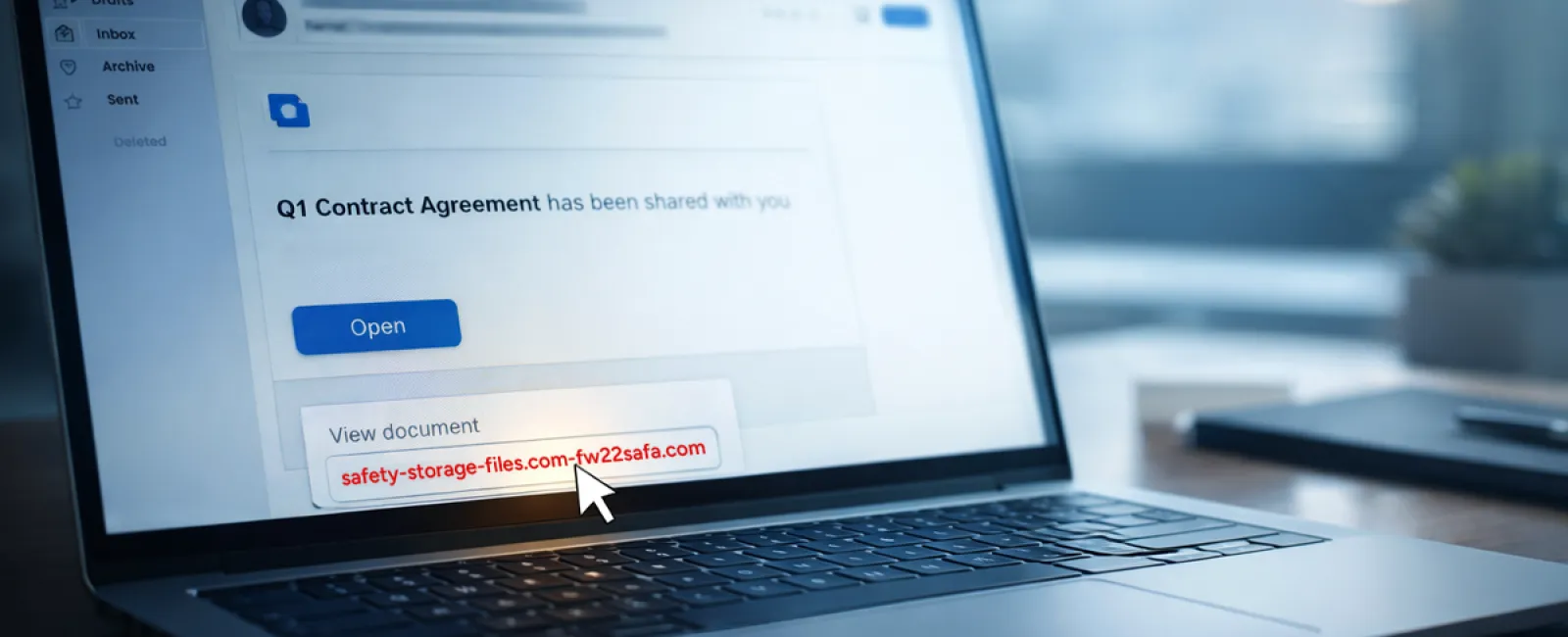
Scam #2: The "Your File Is Ready" Email
This scam fits effortlessly into routine work habits.
An employee receives an email notifying them that a document was shared—often a contract via DocuSign, a spreadsheet via OneDrive, or a file through Google Drive.
The sender's name appears legitimate, and the email format perfectly mimics a genuine file-sharing alert.
They click, prompted to log in, and enter their work credentials—giving attackers door access to your company's cloud systems.
Phishing campaigns exploiting trusted platforms like Google Drive, DocuSign, Microsoft, and Salesforce shot up 67% in 2025, according to KnowBe4's Threat Labs. Google Slides phishing links alone surged over 200% within six months.
Employees are seven times likelier to click malicious links from OneDrive or SharePoint than from unfamiliar emails, thanks to the deceptive familiarity of these notifications.
Attackers now even use compromised accounts to send genuine sharing notifications from Google's or Microsoft's servers, bypassing spam filters since these are legitimate messages technically.
How to protect: Train employees to avoid clicking unexpected file links. Instead, they should log in directly to the platform to verify any new files. Additionally, your IT team can quickly improve security by limiting external sharing permissions and enabling alerts for unusual logins.
Simple habits, powerful protection.
Scam #3: The Highly Polished Email
Gone are the days when phishing emails were obvious by their poor grammar or odd formatting.
A 2025 study found AI-generated phishing emails achieved a 54% click rate—more than four times higher than human-crafted scams at 12%. This is because these emails flawlessly integrate real company names, job titles, and workflows scraped from LinkedIn and corporate websites instantly.
Targeting is now finely tuned by department: HR and payroll receive fake employee verification requests, finance teams get fraudulent vendor payment change notices. In one test, 72% of employees engaged with vendor impersonation emails—a 90% higher rate than other phishing types. These messages appear calm, professional, and carry a subtle sense of urgency, blending seamlessly into routine inbox traffic.
Your defense: Verify any requests involving credentials, payments, or sensitive data through a separate channel such as a phone call, chat, or in-person confirmation. Teach employees to hover over email addresses to confirm authenticity and to view urgency as a red flag rather than a call to action.
True security doesn't rely on fear-driven clicks.
The Bottom Line
All these scams exploit familiarity, trust in authority, timing, and the assumption that "this will just take a second."
The real vulnerability isn't careless staff—but systems expecting everyone to consistently slow down, verify, and make flawless decisions under stress.
One rushed click shouldn't jeopardize your business—if it does, it's a flaw in your processes, not your people.
And the good news is process weaknesses can be corrected.
How We Can Support You
Most business owners don't want to add another complex project or become the security teacher.
They want peace of mind that their operations stay protected.
If you're concerned about your team's security—or know another business owner who should be—let's connect.
Book a straightforward discovery call to discuss:
- Top cyber risks businesses like yours face today
- How everyday tasks create security blind spots
- Practical steps to reduce risk without slowing workflow
No pressure, no hype—just clear conversation about identifying and reducing vulnerabilities.
Click here or give us a call at 615-989-0000 to schedule your free 15-Minute Discovery Call.
If this isn't for you, feel free to share it with someone who might benefit. Sometimes, knowing what to watch for turns a near-miss into a blocked attack.