Imagine you're three hours deep into a five-hour holiday drive to visit loved ones. Your daughter asks, "Can I play Roblox on your work laptop?" The very one housing sensitive client files, financial records, and crucial business access. You're fatigued from packing, the journey's not over, and honestly, keeping her entertained sounds like a good idea. But is it safe?
Holiday travel presents unique security risks that don't exist in your everyday routine. Distractions, unfamiliar networks, and juggling family time with quick work check-ins create vulnerabilities. Whether you're traveling for work, leisure, or a mix of both, these tips will help you safeguard your data without spoiling the festivities.
Pre-Trip: Essential 15-Minute Security Check
Spend just 15 minutes before you hit the road to prepare effectively:
Device Essentials:
- Update all your security patches and software
- Back up vital files securely to the cloud
- Set your screen to lock automatically within two minutes
- Enable "Find My Device" on all phones and laptops
- Fully charge your portable power bank
- Bring your own charging cords and adapters
Family Device Guidelines:
- Clearly communicate which devices kids can use and which are restricted
- Provide a shared family tablet or secondary device for entertainment
- Create separate user profiles on your laptop if kids must use it
Pro tip: Equip your kids with a device that isn't linked to work accounts. Investing in a $150 tablet is far wiser than risking a costly data breach.
Hotel WiFi: Avoid Common Pitfalls
Upon hotel check-in, everyone eagerly connects their devices—phones, tablets, laptops, gaming consoles. Your teen streams Netflix, your spouse catches up on emails, and you try to review critical documents.
The catch? Hotel WiFi is a shared network used by countless guests, some of whom may have malicious intent.
True story: A family unknowingly joined a fake WiFi network mimicking their hotel's. For two days, every online action—from passwords to credit card data—was intercepted.
How to Protect Yourself:
Confirm the exact network name directly with the front desk; never assume.
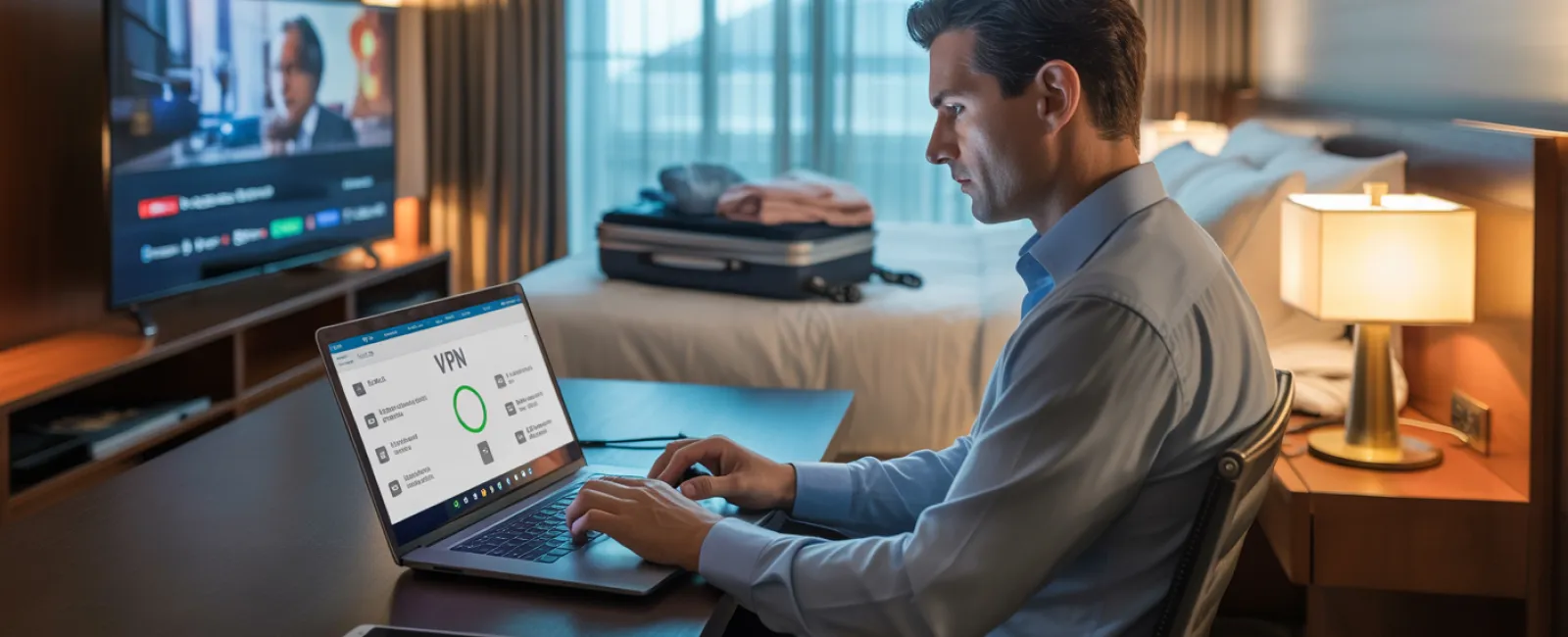
Use a VPN for work tasks to encrypt your connection when accessing emails or company files.
Rely on your phone's hotspot for sensitive activities like banking instead of hotel WiFi.
Keep work and leisure separate—let kids stream cartoons on WiFi while you use your secure hotspot for confidential work.
The Risks of Sharing Your Work Laptop
Your work laptop holds everything—emails, financial data, client info. Kids want to watch videos or play games.
Why it matters: Kids may inadvertently download harmful files, click suspicious links, share passwords, or stay logged in. These innocent actions pose serious security threats on work devices.
Smart Solutions:
Say no to lending work devices. Offer a dedicated family device instead and stick to it.
If sharing is unavoidable:
- Create a restricted user account
- Supervise usage closely
- Block downloads
- Avoid saving passwords
- Clear browsing history after each session
Better yet: Bring a dedicated family device like an older tablet or laptop with no work account access for travel.
Streaming on Hotel TVs: Don't Forget to Log Out
Your family streams Netflix on the hotel smart TV. Someone logs in, but you forget to log out upon checkout.
Consequence: The next guest gains access to your account. If you reuse passwords (you don't, right?), it could lead to further breaches.
Preventative Measures:
- Cast streaming content from your own device instead of logging into the TV
- Set a reminder on your phone to log out before checkout
- Download shows on your devices beforehand to avoid using the TV entirely
Never log into the following on hotel smart TVs:
- Banking applications
- Work accounts
- Email
- Social media
- Any accounts with saved payment info
Steps if a Device Goes Missing During Travel
Travel chaos makes losing devices all too common—left behind in hotels, rental cars, or airports. If your device disappears:
Act fast within the first hour:
- Use "Find My Device" to locate it
- Lock it remotely if recovery isn't immediate
- Change passwords on critical accounts from another device
- Notify your IT team to disable access to company systems
- If sensitive data is involved, alert affected parties promptly
Ensure these protections before you travel:
- Enable remote device tracking
- Implement strong passwords
- Activate automatic data encryption
- Set up remote wipe capability
Lost device belonging to a family member? Apply the same security steps immediately.
Beware of Rental Car Bluetooth Data Risks
Connecting your phone to a rental car's Bluetooth for music or navigation may store your contacts, call history, and text previews in the vehicle's system.
Returned cars often retain this data, accessible to subsequent drivers.
Quick 30-second tips before returning the car:
- Remove your phone from the car's Bluetooth settings
- Clear recent GPS locations
- Alternatively, use an aux cable or avoid connecting entirely
Setting Boundaries on "Working Vacations"
You promised family time but find yourself checking emails multiple times, taking unexpected calls, and working while others play mini-golf.
This constant switching disrupts your focus and reduces security awareness, increasing risks like clicking dangerous links or connecting to unsafe networks.
The reality: If unplugging fully isn't possible, establish firm guidelines:
- Limit work email check-ins to twice per day at set times
- Use your phone's mobile hotspot—not hotel WiFi—for work
- Work from your hotel room instead of public spots where screens are visible
- Be fully present with family during downtime—avoid multitasking
Best of all? Take a proper break. Your business will survive the week, and you'll be sharper and more secure upon return.
Embracing a Security Mindset for Holiday Travel
Traveling with family while managing work isn't perfect—it's messy. Your kid might need your laptop; an urgent email might demand attention. Life happens.
Success lies in intentional risk management:
- Prepare your devices thoroughly before departure
- Recognize high-risk activities (hotel WiFi banking) versus safer options (using your hotspot)
- Separate work data from family usage when possible
- Have a clear plan of action if issues arise
- Set boundaries and firmly enforce "Not on this device" when necessary
Create Joyful Memories, Not Security Nightmares
The holidays should focus on cherished moments—not data breaches or awkward client apologies.
A bit of preparation and some clear rules let you protect your business while keeping everyone happy on vacation. Your family enjoys the holiday, and your business stays secure—everyone wins.
Need expert help building travel security strategies for your team and yourself? Click here or call us at 615-989-0000 to schedule a free 15-Minute Discovery Call. We'll design practical policies that shield your business without complicating travel.
Your best holiday story shouldn't be "Remember when Dad's laptop got hacked?"