Holidays can be challenging enough without technology causing unnecessary headaches. With customers rushing to complete last-minute tasks, employees balancing family commitments, and heightened expectations all around, the last thing you want is to frustrate anyone due to avoidable technical issues.
Consider this your essential Holiday Tech Etiquette Guide — because no one wants to be that business that spoils someone's day.
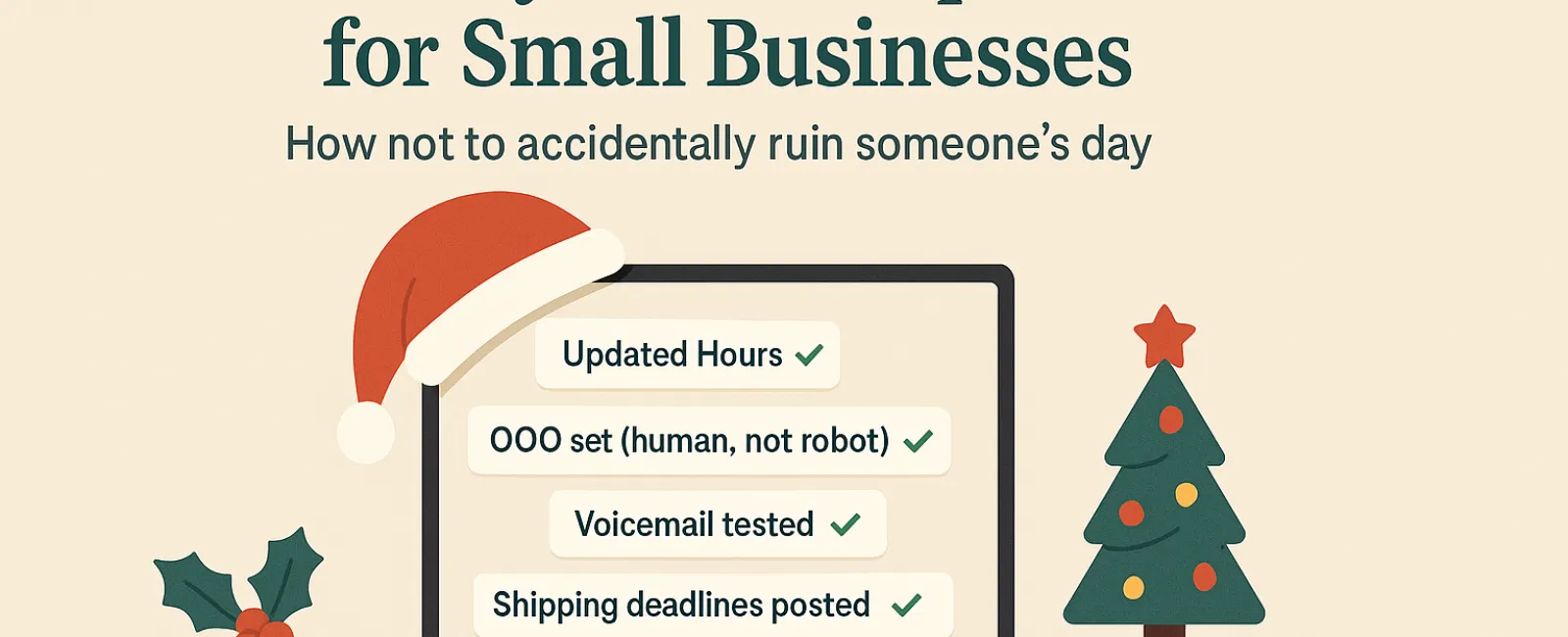
1. Update Your Business Hours Online Before Confusing Customers
Imagine a customer racing across town on their lunch break because Google showed you're open — only to arrive and find your doors locked and the lights off. Congratulations, you've unintentionally become their tech villain.
Make sure to update these:
- Your Google Business Profile (most important!)
- Facebook, Instagram, Yelp, and any other platforms where customers might check
- Your website banner with a clear, friendly holiday schedule
- Apple Maps (yes, people still use it!)
Example update: "Happy Holidays! We're closed from Thursday, Nov. 28 through Sunday, Dec. 1 to spend time with our loved ones. We'll resume regular hours Monday morning — maybe a little turkey-drowsy but ready to assist!"
2. Craft Warm Out-Of-Office Replies That Sound Human
When you're away, don't leave customers stuck in e-mail limbo wondering if you've vanished. A friendly, professional auto-response serves as a courteous greeter.
Example message: "Thanks for contacting us! Our office is closed for Thanksgiving from Nov. 28 to Dec. 1. We'll reply as soon as we're back and caffeinated. For urgent matters, please call our support line at (XXX) XXX-XXXX. Wishing you a joyful holiday season!"
3. Keep "Out Of Office" Messages Brief and Relevant
Avoid oversharing personal holiday plans like visiting Aunt Carol or attending office potlucks. Customers don't need the full itinerary, and too many details could pose security risks.
Stick to essential information: closure dates, response timeframes, and alternative contacts. Save the travel tales for social media.
4. Test Your Phone Systems to Prevent Frustration
Holiday callers are often rushed and stressed. Verify that your voicemail greeting matches your current hours and provides clear guidance instead of confusion.
Pro tip: Call your own number to hear what customers hear. You might discover outdated messages from years ago.
Example voicemail: "You've reached [Business Name]. Our office is closed for the holiday weekend. Please leave a message, and we'll return your call Monday morning. For urgent assistance, press 1 to reach our on-call team. Happy Holidays and thanks for your patience!"
5. Clearly Communicate Shipping Deadlines Early
If your business ships products, make sure customers know order deadlines well in advance. Display "order by" dates prominently online and send reminder emails.
Late deliveries frustrate customers, but missed expectations can damage relationships. Avoid disappointing your customers with delayed gifts or essentials.
Remember: Great Tech Etiquette Leads to Happy Customers and Thriving Business
Holiday technology etiquette isn't complicated. It's about setting clear expectations, communicating with warmth, and respecting your customers' time. These small, proactive steps can prevent many headaches and keep your reputation sparkling this season.
Ultimately, you want your customers to feel valued and cared for — even when your team is on holiday.
Need help ensuring your systems and customer experience remain seamless this holiday season? Call us at 615-989-0000 or click here to schedule your free 15-Minute Discovery Call. Let's explore easy ways to keep your business running smoothly while you enjoy your well-earned time off.